
Peak Design’s Phone Straps Feature a Built-In Swivel to Prevent Twisting
Innovative phone straps from Peak Design combine comfort, durability, and a clever swivel to keep your phone…


Android 17 introduces ‘handoff,’ a game-changing feature for smooth app transitions between devices.

Android 17 is gearing up to be a landmark update, especially when it comes to making your Android devices work together more smoothly. At the heart of this evolution is a fresh feature called Handoff, poised to revolutionize how you switch between devices mid-task.
Imagine starting an app on your phone—maybe drafting an email or browsing a shopping list—and effortlessly picking up right where you left off on a tablet or a foldable screen, without a hiccup. That’s the promise Google’s latest Android iteration is bringing to the table.
Handoff is both a background system feature and a developer-friendly API designed to create a seamless bridge between Android devices. When activated, it allows nearby gadgets to share ongoing app activities, which are then accessible directly from the launcher or taskbar of the receiving device. That means if the app you’re using is installed on the second device, Android will open it right to the exact spot you paused, using a technology called deep linking.
Think of it like picking up the remote control of your entertainment system from one room to another, but for your apps and tasks. Your session is restored instantly, making switching devices feel natural and intuitive.

Here’s where it gets even smarter: if the receiving device doesn’t have the app installed, Android 17’s Handoff won’t leave you stranded. Instead, it falls back to an app-to-web continuity option, meaning your ongoing task can continue right in a browser. This clever fallback ensures that your workflow goes uninterrupted even when app setups don’t match across devices.
That kind of graceful fallback is essential in a world where we juggle multiple devices, each with its own app ecosystem quirks.
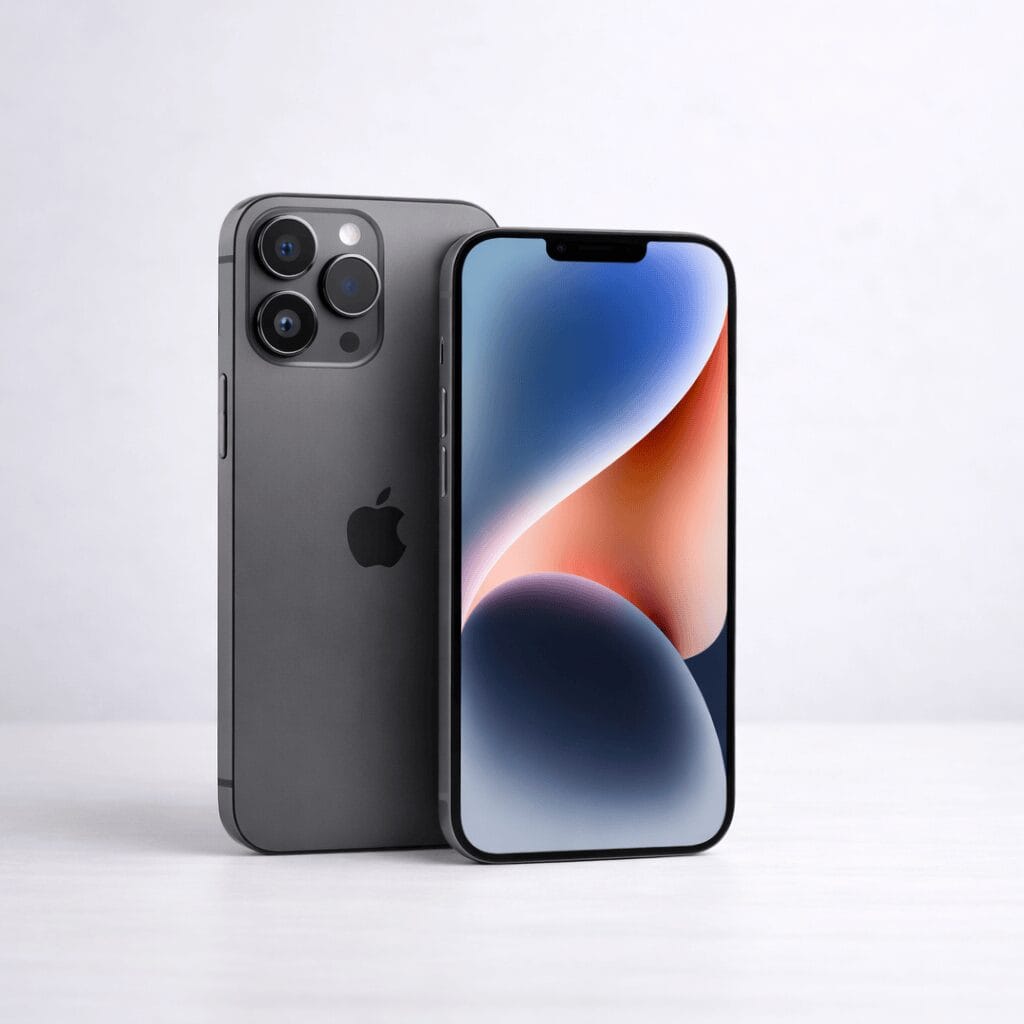
If this sounds strikingly familiar, that’s no coincidence. Apple’s ecosystem has offered a similar Handoff feature for years, allowing seamless transition of tasks between iPhones, iPads, and Macs. With Android 17, Google is closing in on this polished cross-device experience, finally giving Android users a taste of that fluidity.
Though the Handoff feature isn’t yet active in Android 17 Beta 1, and Google hasn’t shared all the nitty-gritty details on the supported devices, clues hint at its potential. References to the taskbar suggest Handoff will be especially useful on tablets, foldables, and other large-screen Android devices, which naturally benefit from multitasking and device-switching capabilities.
Looking ahead, it’s easy to envision Handoff expanding to desktop-style Android setups. Imagine starting an email draft on your smartphone and wrapping it up on your laptop, or starting a game on a foldable and continuing it on your bigger tablet screen. The possibilities for productivity and entertainment are excitingly broad.
Cross-device continuity has always been a bit of a sore spot for Android when compared to Apple’s seamless ecosystem. If Handoff delivers on its promise, Android 17 could mark a significant leap forward—making the Android experience feel more connected, fluid, and user-friendly.
Of course, the success of Handoff hinges on developer adoption. Google is providing the tools, but it’s up to app makers to weave this capability into their software and fully harness the magic of device harmony.
“Handoff is designed to let users start an app activity on one Android device and seamlessly continue it on another.” — Google
Android 17’s Handoff could be the breakthrough feature that Android users have been waiting for to unify their device experience. As we await the feature’s debut and developer support, it’s thrilling to think about a future where Android devices talk to each other more intelligently than ever before. How do you envision using Handoff in your daily tech routine?
Don’t miss out on the latest Android insights and updates — subscribe to our newsletter for fresh tech news delivered straight to your inbox!
Don’t want to miss new posts?

You must be logged in to post a comment.